One household complains to the provider and is told the line is fine. The other runs a cable across the floor, sees the same complaint vanish, and never makes the call. Both households had the same problem, and only one of them located it correctly.
Separating line speed from Wi-Fi speed is the first useful step in almost every broadband troubleshooting exercise, and it takes one cable.
1. The two numbers and why they differ
Line speed is what the network delivers to the property, and Wi-Fi speed is what a device receives after the wireless link has taken its share. The second is always lower and sometimes dramatically so.
The gap between them is the home network’s cost, expressed as a figure. Knowing that figure tells you whether the provider, the router or the device is the place to look.
2. Establishing the wired baseline
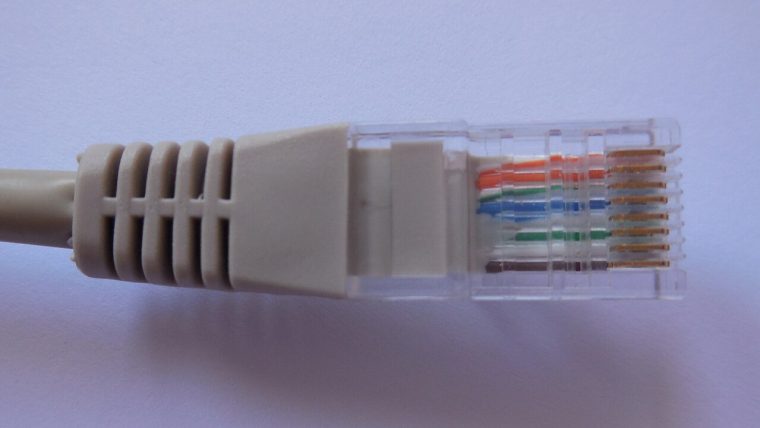
Connect a capable device directly to the router with a cable and test at peak hours. That result is the line’s real capacity, and everything afterwards is measured against it.
Doing this once at the start of a contract saves a great deal of later confusion. Without a baseline, every subsequent complaint is guesswork about which side of the wall socket is responsible.
3. Reading the wireless result
A wireless test in the same room as the router, on the same device, shows how much the wireless link costs at close range. Testing further away shows how quickly that cost rises with distance.
The two results together describe the home network’s behaviour far better than either alone, and they identify whether the problem is capacity or coverage.
4. Distance, walls and the shape of coverage
Signal strength falls with distance and falls faster through solid construction, foil-backed insulation and metalwork. A house with thick internal walls can lose most of its throughput two rooms from the router.
Walking a test device through the property produces a coverage map. That map almost always shows the failure concentrated in a small number of rooms, which makes the remedy specific rather than general.
5. Band selection and the device’s own habits
Devices frequently choose the slower 2.4 GHz band because its signal reaches further, even when the faster band is available. The device is optimising for connection stability rather than for throughput.
Separating the bands into distinct network names allows manual selection, which often recovers a large amount of speed at no cost. It is the cheapest Wi-Fi improvement available.
6. The router’s own ceiling
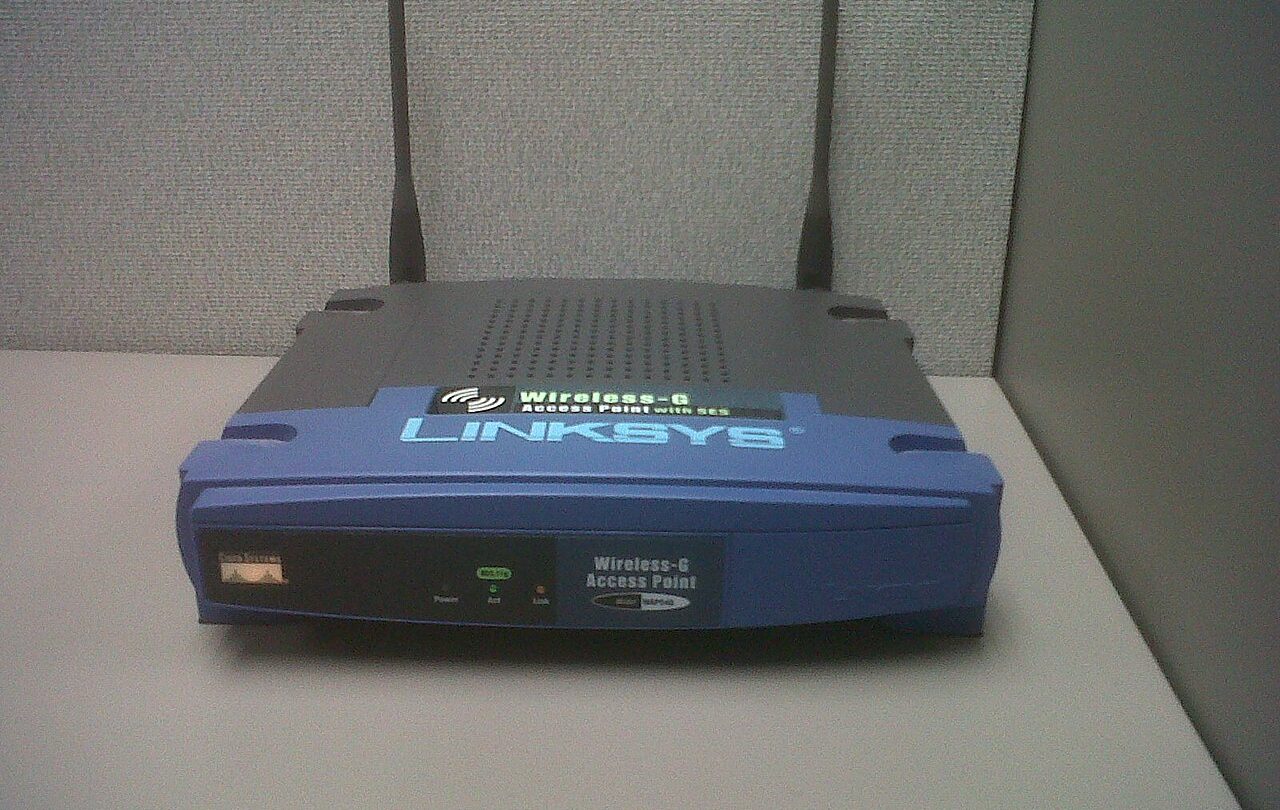
Provider-supplied routers are built to a cost and often provide modest wireless throughput, limited processing and few options. On a fast line, the router can be the slowest component in the chain.
Checking whether a wired test exceeds the wireless result by a wide margin indicates this. Replacing the router with a competent unit frequently solves a problem that had been attributed to the provider.
7. Channel congestion from neighbours
In dense housing, neighbouring networks compete for the same channels and reduce throughput for everyone. The effect is often worse in the evening, when neighbours are also online.
A channel scan identifies the quieter options, and moving to one is a two-minute change. Where every channel is busy, the solution is band selection or more access points rather than a different channel.
8. Adding coverage without adding confusion
Extenders repeat a weak signal and often halve its throughput, while mesh systems hand devices between nodes more gracefully. The two are frequently sold as interchangeable and are not.
Where a cable can be run between nodes, backhaul turns a mesh system into something close to wired coverage. That single cable is usually the most effective improvement available in a difficult house.
9. Devices that cannot use what they are given
Older phones, tablets and smart devices have their own wireless limits and will report low speeds on a perfectly good network. Several slow devices are not evidence of a slow connection.
Testing on a modern device before drawing a judgement avoids this trap. Where only one device is slow, the device is the subject rather than the network.
10. Deciding where to spend money
If the wired result meets the package’s promise, the provider is doing its job and the spend belongs inside the home. If it does not, the case belongs with the provider.
That single comparison decides the direction of both the money and the conversation, and it is the reason the wired baseline is worth taking before anything else.
11. A routine that answers it in ten minutes
Test wired at peak, test wireless beside the router, test wireless in the worst room, and note which band each device used. Four results that locate the problem in one of three places.
The routine is repeatable, takes a few minutes and removes the ambiguity that makes broadband problems so tedious to resolve.
15. When the line is fine but the experience is not
Where wired results meet expectations and the experience remains poor, the cause is usually latency variation, packet loss, or a specific application’s own behaviour. None of those is visible in a throughput test.
Measuring latency under load, and at peak, is the step that reveals the difference between a fast connection and a responsive one.
16. Devices that report their own limits
A phone on a busy band, a laptop with an older adapter and a tablet at the edge of coverage all report figures that describe themselves rather than the network. Several such results are not evidence of a slow line.
Repeating the measurement on a wired modern device settles the question in a single test.
17. What to change first, second and third
Placement first because it is free, band separation second because it costs a settings change, a cable third because it costs very little. A router replacement belongs at the end of that list.
Households that work in that order usually find the answer before reaching the last option.
18. The two figures worth remembering
Wired speed is what the provider delivers; wireless speed is what the household receives. The distance between the two is entirely the home network’s responsibility.
Knowing both numbers makes every subsequent decision straightforward, and knowing only one makes every decision a guess.
19. Testing the home network rather than the line
A file transfer between two devices on the same network measures the router and the wireless link without involving the provider at all. The result describes the home network’s ceiling directly.
Comparing that figure with the line speed shows whether the home network is the binding constraint.
20. Where the two figures converge
Where wired and wireless results are close, the home network is not limiting anything and further changes are unnecessary. Where they differ widely, the difference is the available improvement.
That difference is the target, and it is measurable before and after any change.
21. Why the distinction saves money
Households that separate the two figures rarely buy equipment that cannot help and rarely complain about a connection that is performing as promised.
The distinction costs one cable and twenty minutes, and it resolves the majority of broadband dissatisfaction.
22. Bringing the two figures back together
Once the home network has been improved, the wired and wireless results should sit close to each other in the rooms that matter. Where they do, the household is receiving what the provider delivers.
At that point the comparison is finished and further changes are optional rather than remedial.
Most broadband complaints are Wi-Fi complaints wearing a different label. One cable and four measurements tell you which one you have.

Nicholas Burnham
Tests household broadband packages and writes up what the small print actually costs. Everything here is measured or sourced, never taken from a press release.